← Neon overview

How-to guide
Neon: step-by-step
Neon is a serverless Postgres platform designed for applications and AI agents, featuring autoscaling, branching, and built-in authentication.
Download as PDF ↓ How-to guide
Neon is a serverless Postgres platform designed for applications and AI agents, featuring autoscaling, branching, and built-in authentication.
Download as PDF ↓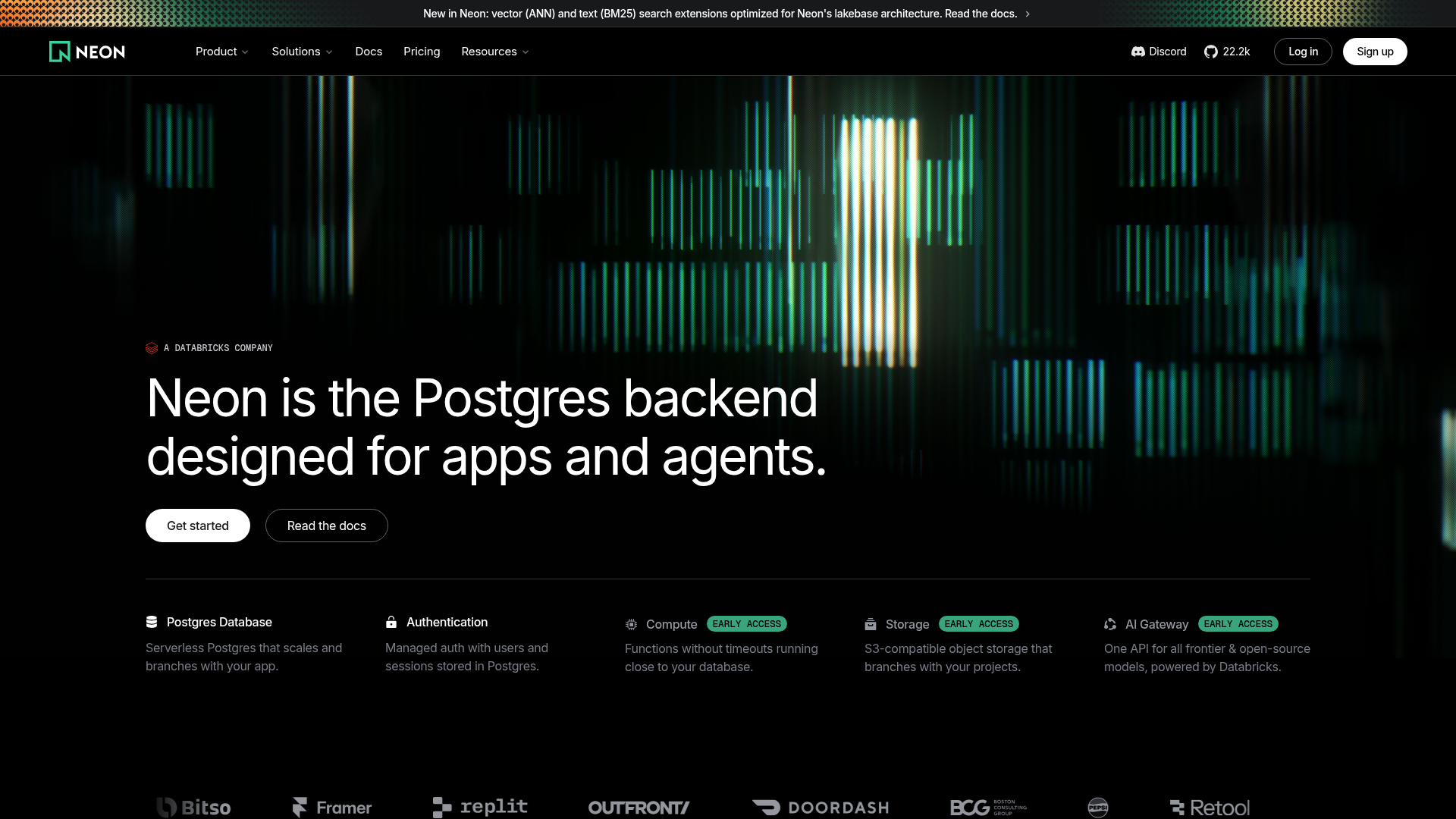
Step by step
Go to console.neon.tech/signup and create an account with your email, GitHub, or Google. The free plan includes a single project with a production branch and auto-scaling compute.
After sign-up, the onboarding wizard prompts you to create a Project — the top-level container for your branches and databases. Give it a name, choose a region, and Neon automatically provisions a 'production' branch with a database called 'neondb'.
Open the SQL Editor from the left sidebar in the Neon Console. Your 'production' branch and 'neondb' database are pre-selected; click Run to execute queries directly in the browser without installing any local tools.
Navigate to the Branches page and click 'Create branch', name it 'development', and select 'production' as the parent. Neon instantly clones your production data into an isolated copy you can safely modify.
Install the CLI with 'brew install neonctl' (macOS) or 'npm install -g neonctl', then run 'neon auth' to authenticate via browser. Use 'neon connection-string development --psql' to open a psql session directly to your branch.
After making schema changes on your development branch, go to the Branches page, open the branch detail, and click 'Open schema diff'. Select the two branches to compare and click Compare to see a GitHub-style diff of schema changes.
When you are done with an experiment, run 'neon branches reset development --parent --project-id <your-project-id>' to discard all changes and return the branch to the current state of production.
Free download
Keep the full guide — steps, shortcuts and best practices — with you. Drop your email and download it; we'll only send useful AI-building tips.
The PDF is watermarked and carries our links — please share it with the footer intact.
 ▶
▶
@ezcademy
 ▶
▶
@ezcademy
 ▶
▶
@ezcademy
 ▶
▶
@ezcademytelugu
 ▶
▶
@ezcademytelugu
 ▶
▶
@ezcademytelugu
 ▶
▶
@ezcademyhindi
 ▶
▶
@ezcademyhindi
 ▶
▶
@ezcademyhindi
 ▶
▶
@santhiprakashb
 ▶
▶
@santhiprakashb
 ▶
▶
@santhiprakashb
▶
@ezcademy
▶
@ezcademy
▶
@ezcademy
▶
@ezcademytelugu
▶
@ezcademytelugu
▶
@ezcademytelugu
▶
@ezcademyhindi
▶
@ezcademyhindi
▶
@ezcademyhindi
▶
@santhiprakashb
▶
@santhiprakashb
▶
@santhiprakashb