How-to guide
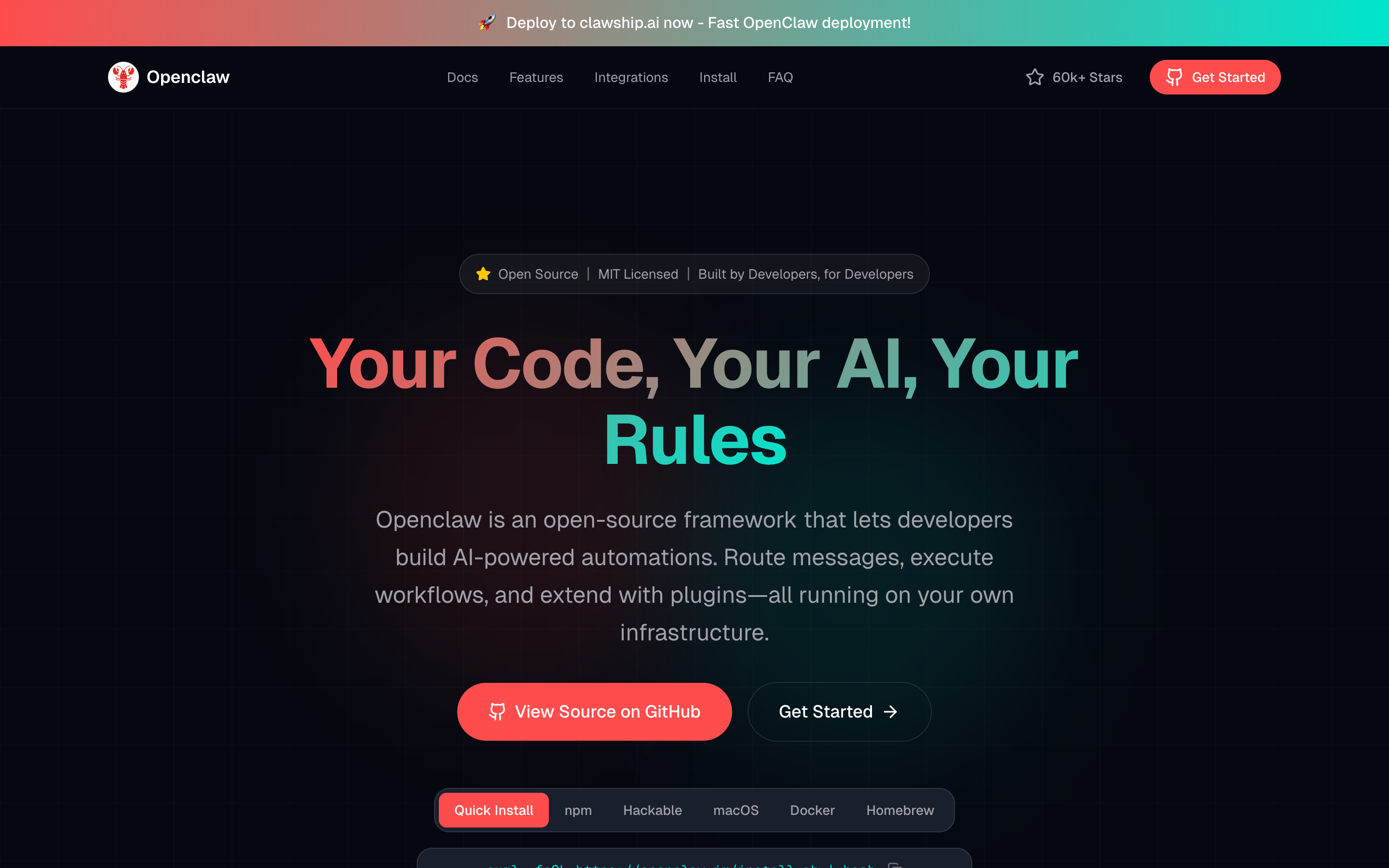
OpenClaw is an open-source, self-hosted framework that enables developers to build programmable AI automations with full control over their code, data, and infrastructure.
Download as PDF ↓
Step by step
On macOS or Linux run 'curl -fsSL https://openclaw.ai/install.sh | bash'. On Windows (PowerShell) run 'iwr -useb https://openclaw.ai/install.ps1 | iex'. Node.js 22.19 or higher is required (Node 24 recommended).
Execute 'openclaw onboard --install-daemon' in your terminal. The wizard walks you through choosing a model provider (Anthropic, OpenAI, Google, etc.), setting an API key, and installing the Gateway as a background service. It takes about 2 minutes.
Run 'openclaw gateway status' to confirm the Gateway is listening on its default port (18789). If it is not running, start it with 'openclaw gateway start'.
Run 'openclaw dashboard' to open the Control UI in your browser. Type a message in the chat box and you should receive an AI reply, confirming everything is connected.
Follow the channel-specific guide at docs.openclaw.ai/channels to pair OpenClaw with Telegram, Discord, Slack, WhatsApp, or another supported platform. Telegram is the fastest to set up — you only need a bot token from BotFather.
Once a channel is connected, send a message from that app (e.g., Telegram) to your bot. OpenClaw routes the message to your configured AI model and replies back in the same thread.
At any time, run 'openclaw doctor' in the terminal to surface misconfigured DM policies, missing API keys, or other setup issues before they cause problems.
Free download
Keep the full guide — steps, shortcuts and best practices — with you. Drop your email and download it; we'll only send useful AI-building tips.
The PDF is watermarked and carries our links — please share it with the footer intact.
▶
@ezcademy
▶
@ezcademy
▶
@ezcademy
▶
@ezcademytelugu
▶
@ezcademytelugu
▶
@ezcademytelugu
▶
@ezcademyhindi
▶
@ezcademyhindi
▶
@ezcademyhindi
▶
@santhiprakashb
▶
@santhiprakashb
▶
@santhiprakashb
▶
@ezcademy
▶
@ezcademy
▶
@ezcademy
▶
@ezcademytelugu
▶
@ezcademytelugu
▶
@ezcademytelugu
▶
@ezcademyhindi
▶
@ezcademyhindi
▶
@ezcademyhindi
▶
@santhiprakashb
▶
@santhiprakashb
▶
@santhiprakashb