← OpenCode overview

How-to guide
OpenCode: step-by-step
OpenCode is an open-source AI coding agent that operates within the terminal, IDE, or desktop to assist developers using various language models.
Download as PDF ↓ How-to guide
OpenCode is an open-source AI coding agent that operates within the terminal, IDE, or desktop to assist developers using various language models.
Download as PDF ↓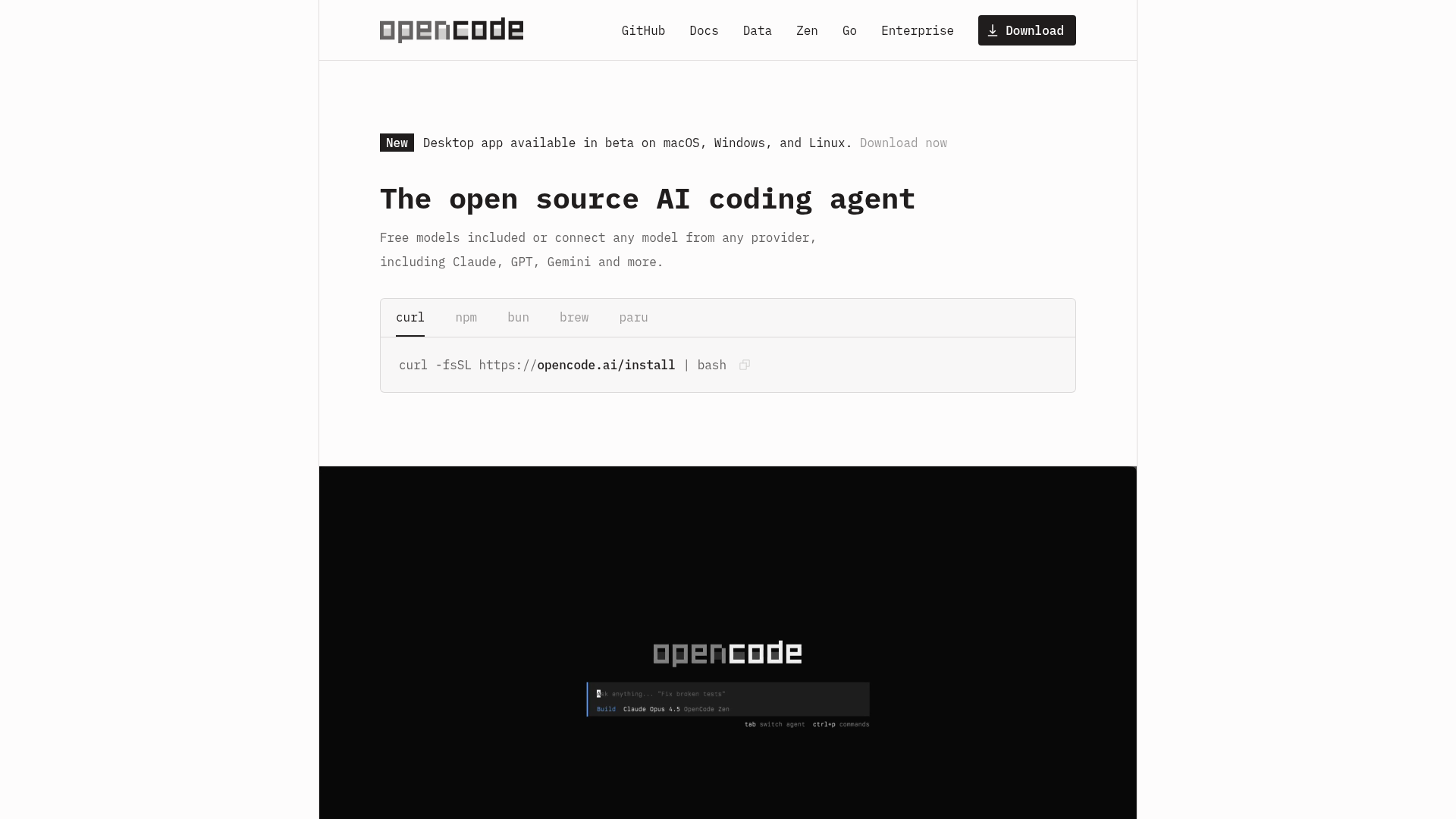
Step by step
Run 'curl -fsSL https://opencode.ai/install | bash' in your terminal. You can also install via npm ('npm install -g opencode-ai'), Homebrew ('brew install anomalyco/tap/opencode'), or grab a binary from the GitHub releases page.
Launch OpenCode by running 'opencode' in any project directory. Inside the TUI, type '/connect', select 'opencode' (the OpenCode Zen service), and follow the link to opencode.ai/auth to sign in and get an API key. Alternatively, select any other provider (Anthropic, OpenAI, Google, etc.) and paste your own key.
With OpenCode open in your project directory, run the '/init' command. OpenCode analyzes the codebase and creates an 'AGENTS.md' file at the project root that captures structure and conventions, improving the quality of future suggestions.
Type a question in plain English — for example, 'How is authentication handled in this project?' — and OpenCode searches the relevant files and explains the code. It has LSP support enabled automatically, so it understands symbols and types.
Describe the change you want — for example, 'Add a rate-limit middleware to the Express router in src/server.ts' — and OpenCode proposes an edit. Review the diff shown in the TUI and approve or reject it.
OpenCode supports multi-session mode so you can work on separate tasks simultaneously. Open a new session from within the TUI to start a second agent working on a different part of the codebase without losing context from the first.
Free download
Keep the full guide — steps, shortcuts and best practices — with you. Drop your email and download it; we'll only send useful AI-building tips.
The PDF is watermarked and carries our links — please share it with the footer intact.
 ▶
▶
@ezcademy
 ▶
▶
@ezcademy
 ▶
▶
@ezcademy
 ▶
▶
@ezcademytelugu
 ▶
▶
@ezcademytelugu
 ▶
▶
@ezcademytelugu
 ▶
▶
@ezcademyhindi
 ▶
▶
@ezcademyhindi
 ▶
▶
@ezcademyhindi
 ▶
▶
@santhiprakashb
 ▶
▶
@santhiprakashb
 ▶
▶
@santhiprakashb
▶
@ezcademy
▶
@ezcademy
▶
@ezcademy
▶
@ezcademytelugu
▶
@ezcademytelugu
▶
@ezcademytelugu
▶
@ezcademyhindi
▶
@ezcademyhindi
▶
@ezcademyhindi
▶
@santhiprakashb
▶
@santhiprakashb
▶
@santhiprakashb