How-to guide
Kilo Code is an open-source AI coding agent platform that integrates with VS Code and JetBrains to provide transparent, cost-efficient development across 500+ models.
Download as PDF ↓
Step by step
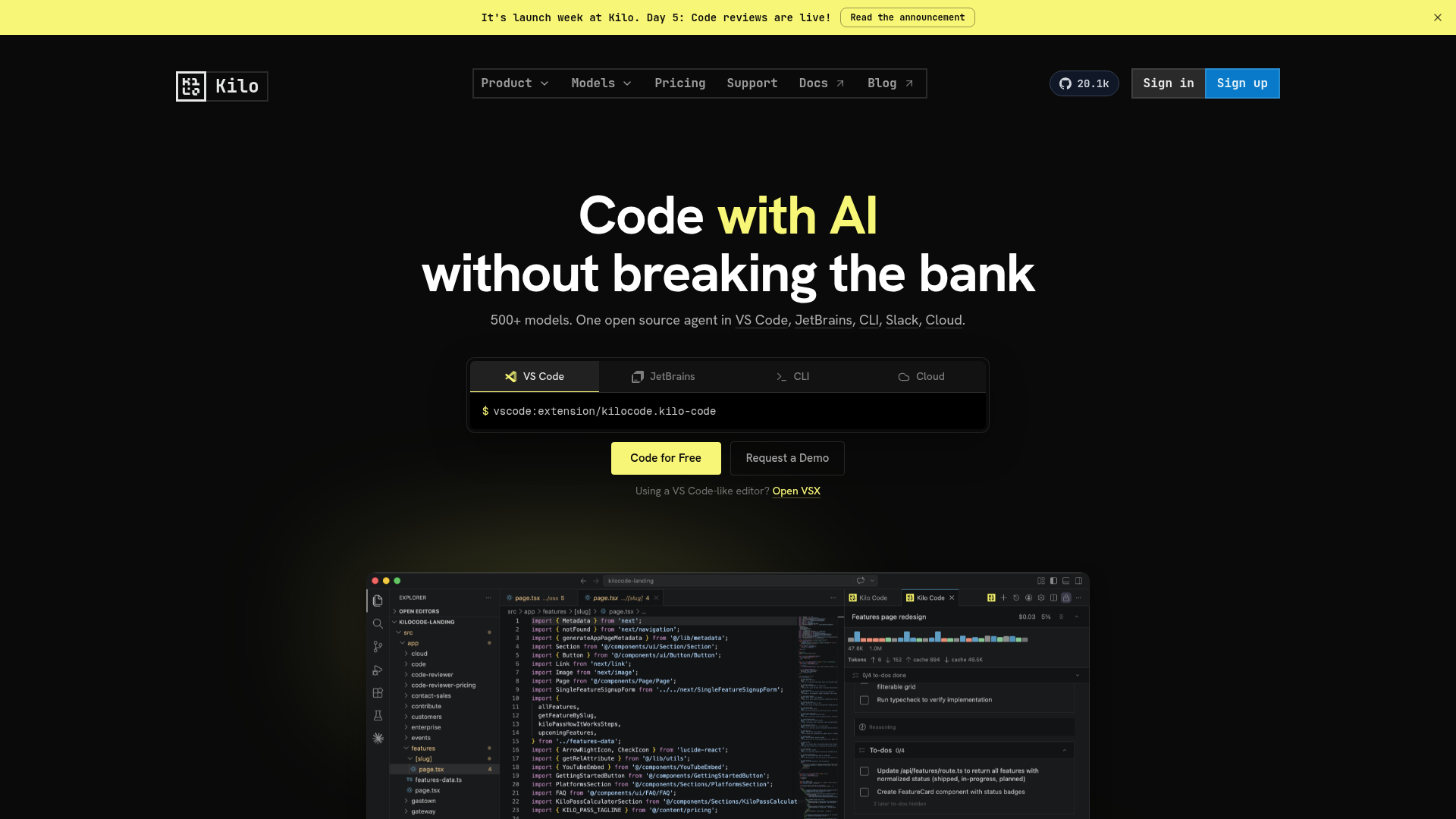
Open VS Code, go to the Extensions panel (Ctrl+Shift+X / Cmd+Shift+X), search for 'Kilo Code', and click Install. Alternatively, open the URL 'vscode:extension/kilocode.kilo-code' in your browser to install directly.
After installation, click the Kilo Code icon in the VS Code Activity Bar and sign in at app.kilo.ai. A free tier is available with the 'Kilo Auto' plan — no credit card required to start.
Kilo Code ships with four built-in modes: Code (write and refactor code), Architect (plan features before coding), Debug (trace and fix errors), and Ask (answer questions about your codebase). Select the relevant mode from the dropdown at the top of the Kilo Code panel.
Switch to Code mode, type your request in the chat box (e.g., 'add input validation to the signup form in src/auth.ts'), and press Enter. Kilo reads the relevant files, proposes a diff, and applies it with your approval.
Open Kilo settings (gear icon in the Kilo panel) to choose from 500+ models or enter your own API key. Kilo passes keys directly to providers at zero markup — you pay provider rates only.
Install the CLI with 'npm install -g kilo-code' (visit kilo.ai/cli for the latest instructions) or install the JetBrains plugin from the JetBrains Marketplace to use Kilo Code in IntelliJ, PyCharm, or WebStorm.
Free download
Keep the full guide — steps, shortcuts and best practices — with you. Drop your email and download it; we'll only send useful AI-building tips.
The PDF is watermarked and carries our links — please share it with the footer intact.
▶
@ezcademy
▶
@ezcademy
▶
@ezcademy
▶
@ezcademytelugu
▶
@ezcademytelugu
▶
@ezcademytelugu
▶
@ezcademyhindi
▶
@ezcademyhindi
▶
@ezcademyhindi
▶
@santhiprakashb
▶
@santhiprakashb
▶
@santhiprakashb
▶
@ezcademy
▶
@ezcademy
▶
@ezcademy
▶
@ezcademytelugu
▶
@ezcademytelugu
▶
@ezcademytelugu
▶
@ezcademyhindi
▶
@ezcademyhindi
▶
@ezcademyhindi
▶
@santhiprakashb
▶
@santhiprakashb
▶
@santhiprakashb